How to design an artistic QR code that still scans: 7 rules
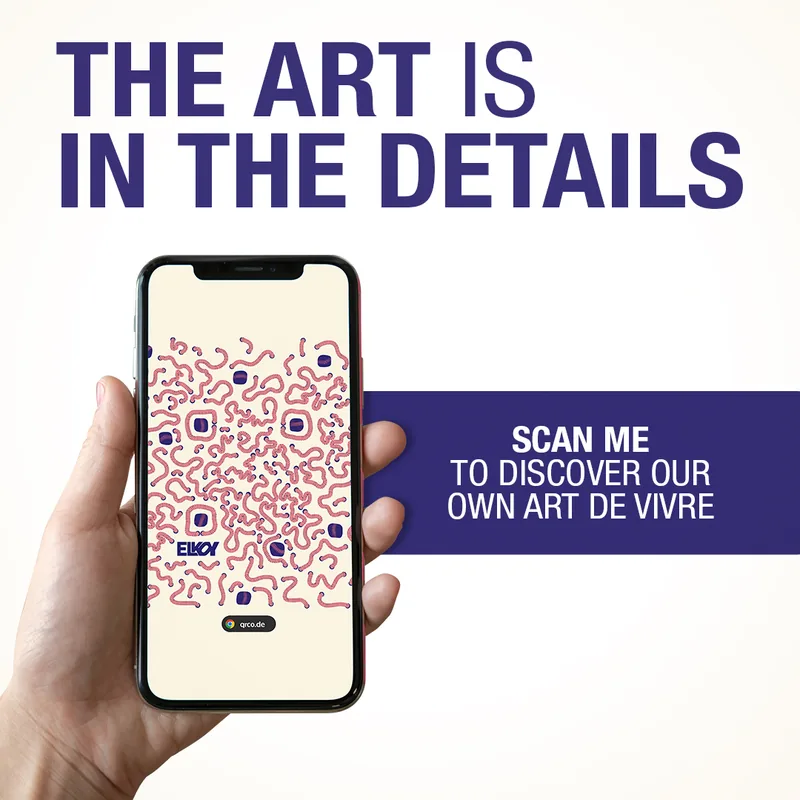
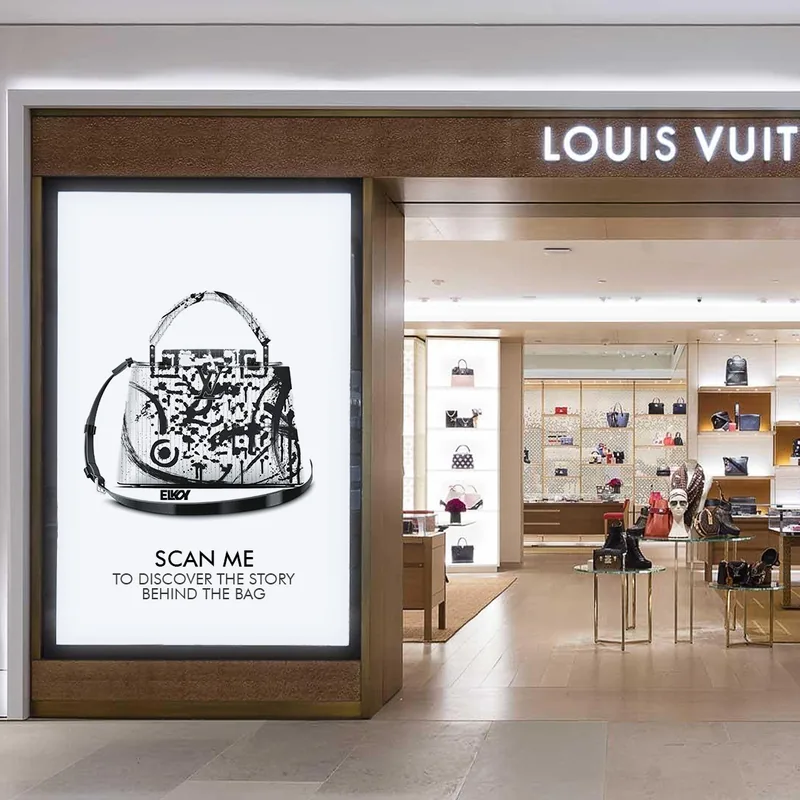
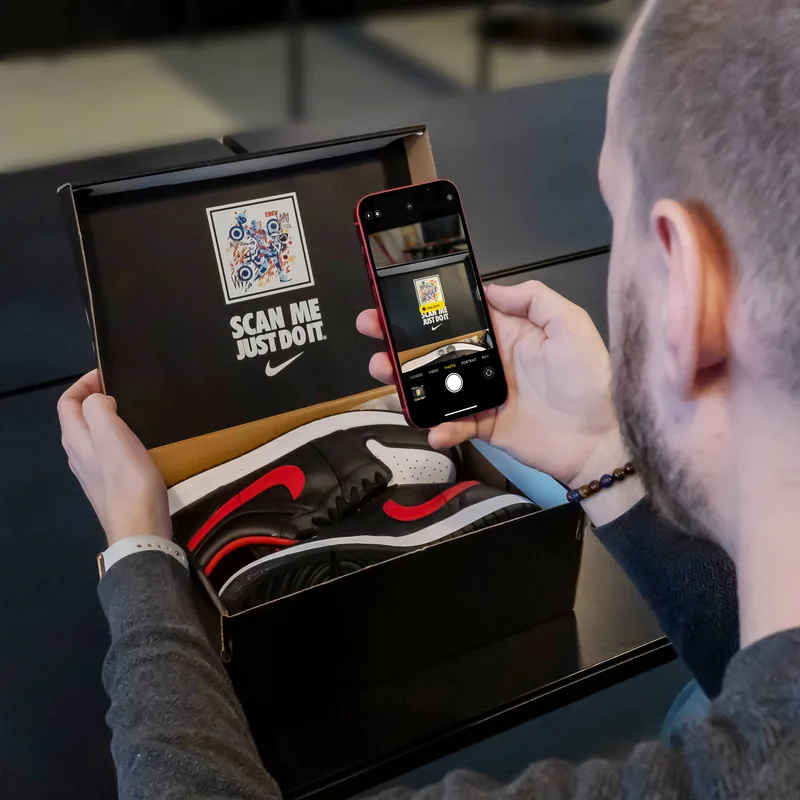
A QR code is a grid of dark and light squares that a phone reads in a fraction of a second. An artistic QR code keeps that grid readable while turning it into an image: a portrait, a landscape, a whole brand universe. The Elkoy Artist Collective has designed ArtQrCode® pieces for Louis Vuitton, Ruinart, Panerai and Nike, and every one of them scans like a classic QR code with any smartphone camera, no app needed.
Beauty and reliability are not a trade-off. They come from a few rules that the artist follows from the first sketch. Here are the seven we never break.
1. Start from the story, not from the code
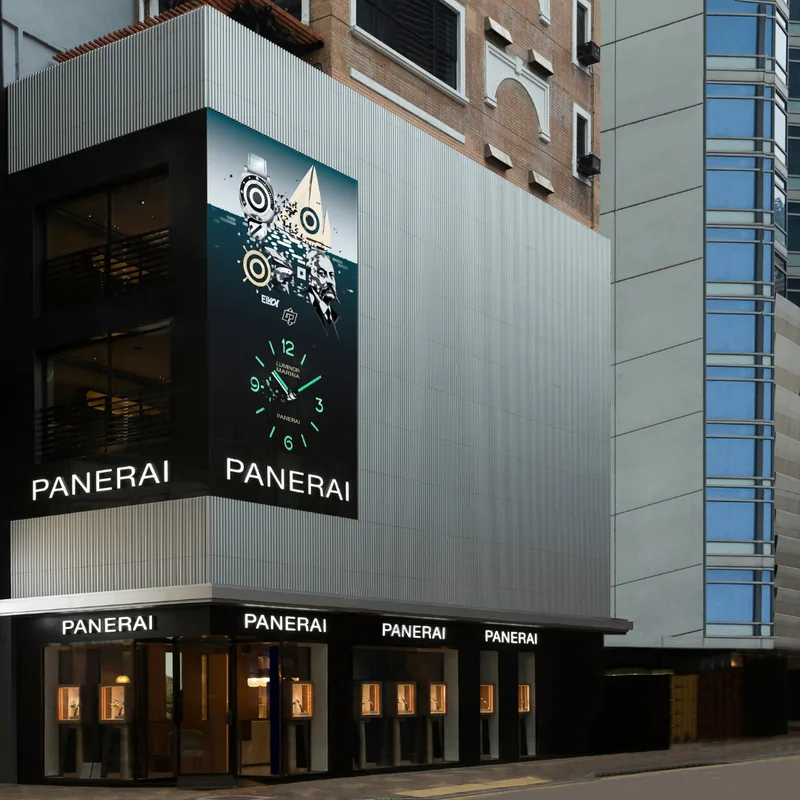
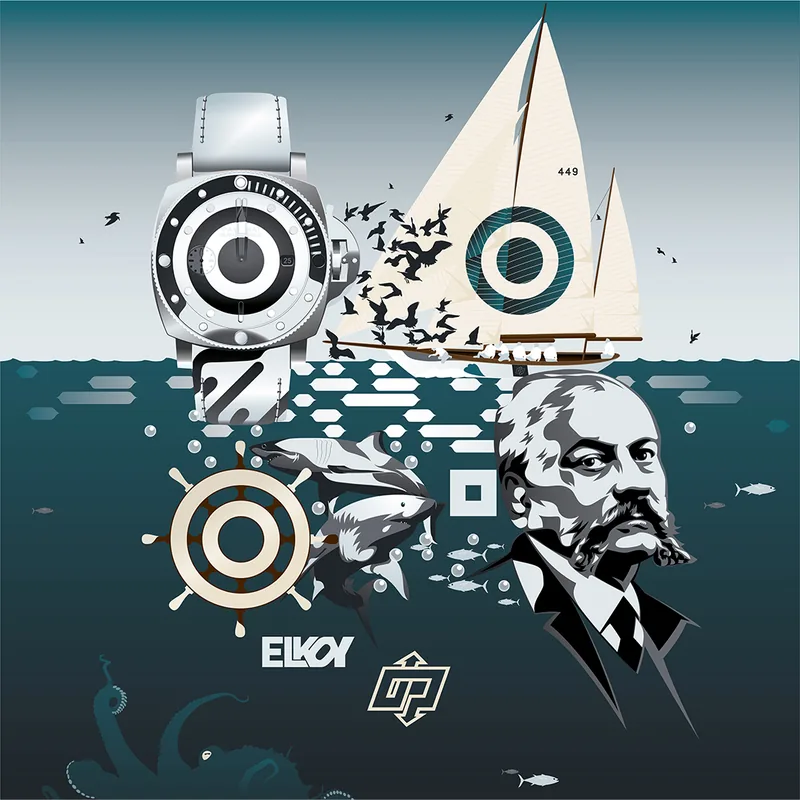
“Every great design begins with an even better story,” says Pakito, ArtQrCode® Manager. Before drawing a single square, list what the brand wants people to recognise. For Panerai, the artwork gathers the founder Giovanni Panerai, the Eilean, the classic yacht that stands for the passion of the sea, and the Submersible collection. The code is the canvas; the story decides what goes on it.
2. Protect the three finder patterns
The three large squares in the corners tell the phone where the code is, how big it is and which way up it is. The artwork can colour them, round them or blend them into the scene, but their shape and their contrast must stay clear. Lose one, and many phones will not even try to read the code.
3. Use the highest error correction level
Every QR code carries extra data so that it can still be read when part of it is damaged. The standard defines four levels: L restores about 7% of the code, M about 15%, Q about 25% and H about 30%. Artistic codes use level H. That margin is what lets an artist reshape modules, add illustrations or a logo and still get a reliable scan. It is a margin, not a licence: the more of it the artwork uses, the less is left for a scratched print or a bad angle, so keep a safety reserve.
4. Keep the contrast: dark on light
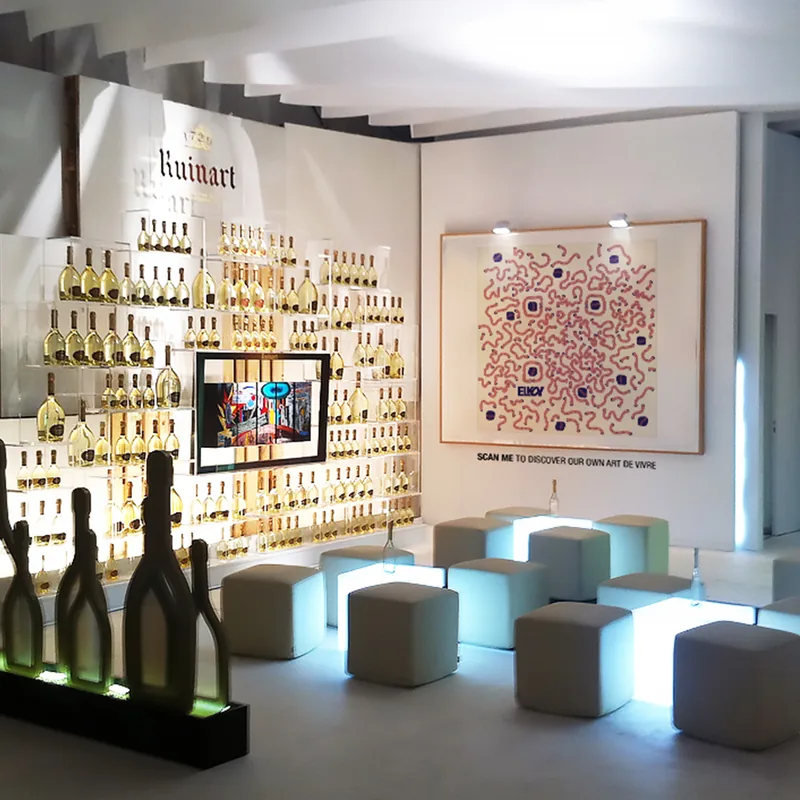
A camera reads the difference between dark and light modules, not the colours themselves. Colour is welcome as long as the dark modules stay clearly darker than the light ones. The Ruinart piece draws the code in looping lines of pink and deep blue; the Louis Vuitton piece plays in pure black and white. What fails is pastel on pastel, or a light code on a dark background: not every scanner reads inverted codes.
5. Leave a quiet zone around the code
The QR code standard asks for an empty margin at least four modules wide on every side. It is how the phone knows where the code stops. Frames, captions and surrounding imagery should sit outside it. The Ruinart code is framed like a canvas, with its call to action written under the frame: “Scan me to discover our own art de vivre.”
6. Size it for the scanning distance
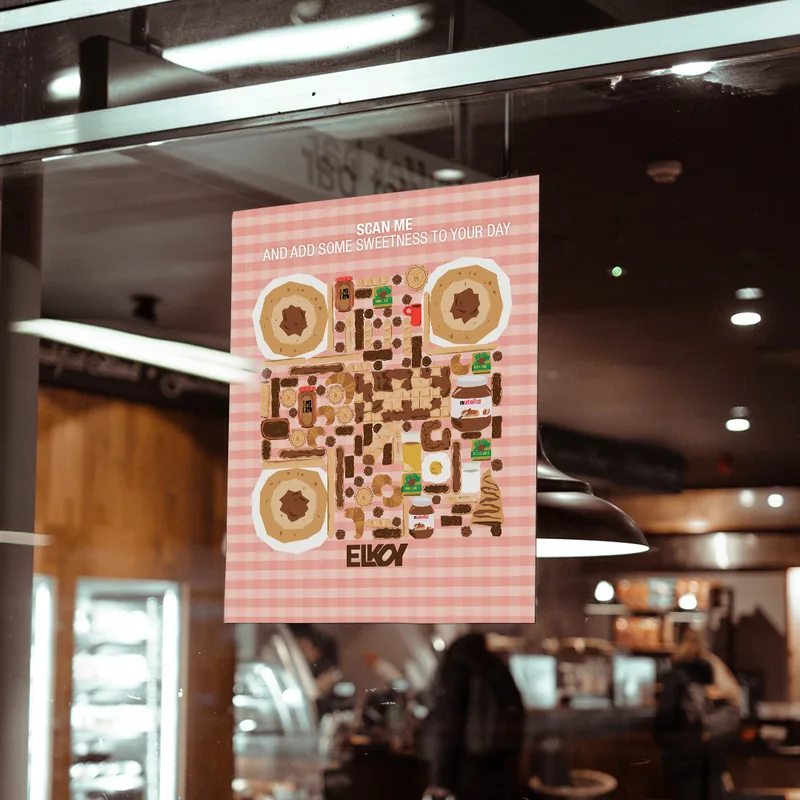
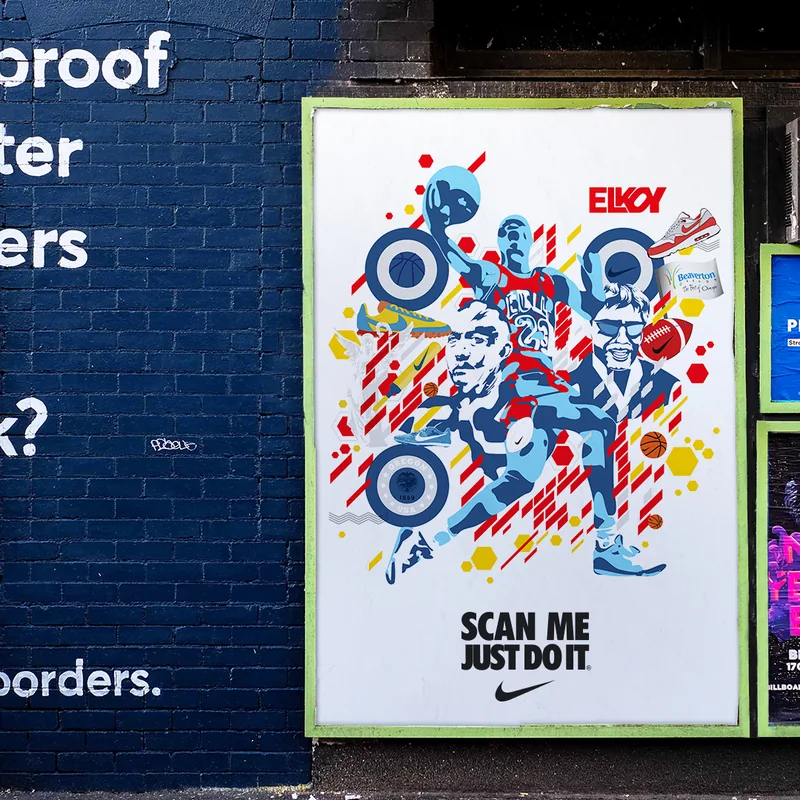
A simple rule of thumb: the code should be at least one tenth of the distance it will be scanned from. Read from 2 metres away, it should be about 20 cm wide; on a box held in the hand, a few centimetres are enough. The same ArtQrCode® idea adapts to store windows, street posters, bus shelters, packaging and tickets, as long as it is resized for each one.
7. Use a short link you control, then test everywhere
The shorter the link, the fewer modules the code needs, the bigger each module can be and the more freedom the artist has. Point the code to a short redirect address that you control: you can change the destination later (a new campaign, a playlist, a sign-up page) without reprinting the artwork. Then test the final file before production, with the default camera of recent iPhone and Android phones, at the real size, on the real material, in the real light and from the real distance.
What an artistic QR code can do
An ArtQrCode® can be static, animated as a video or a GIF, printed or shown on a screen, on almost any object. Behind it, the scan can open a website, a video, a playlist (like the John Lennon bus shelter), a foundation page or a newsletter sign-up. The rules above are what make sure that people who stop to look at the artwork also end up where you want them.
Want an ArtQrCode® for your brand? Tell us about your project →